
Fewer missed appointments
Automatically remind clients before their appointment.
Appointment reminders, handled
Schedule appointments, manage your clients and let Seneca Notify send timely WhatsApp reminders—so you can focus on your work.
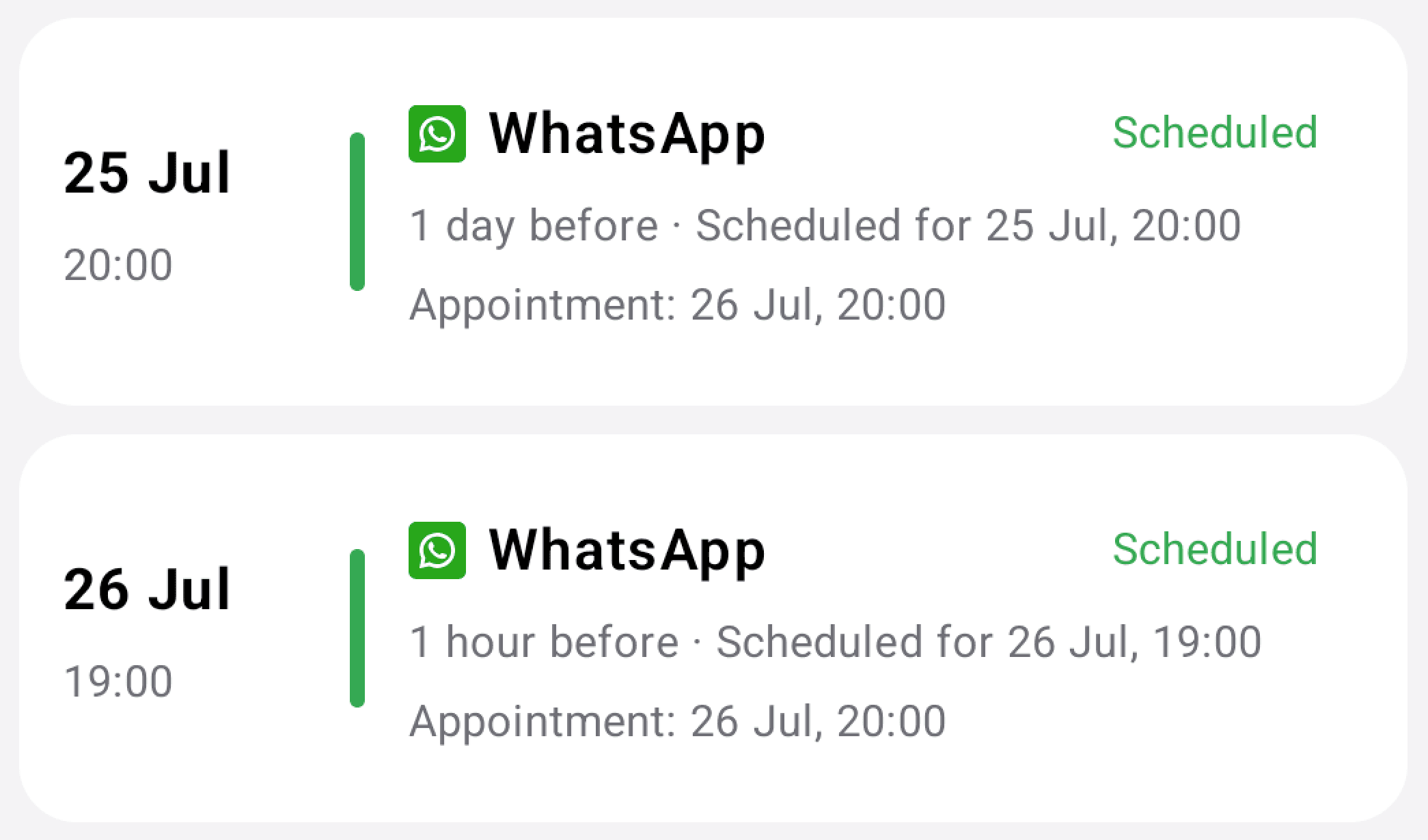
Automatically remind clients before their appointment.
Stop copying appointment details into WhatsApp every day.
Manage clients, one-off appointments and recurring appointments in one place.
Simple from the first tap
No complicated setup. Add a client, choose an appointment time and confirm when the reminder should be sent.
Enter their details or import them securely from your contacts.
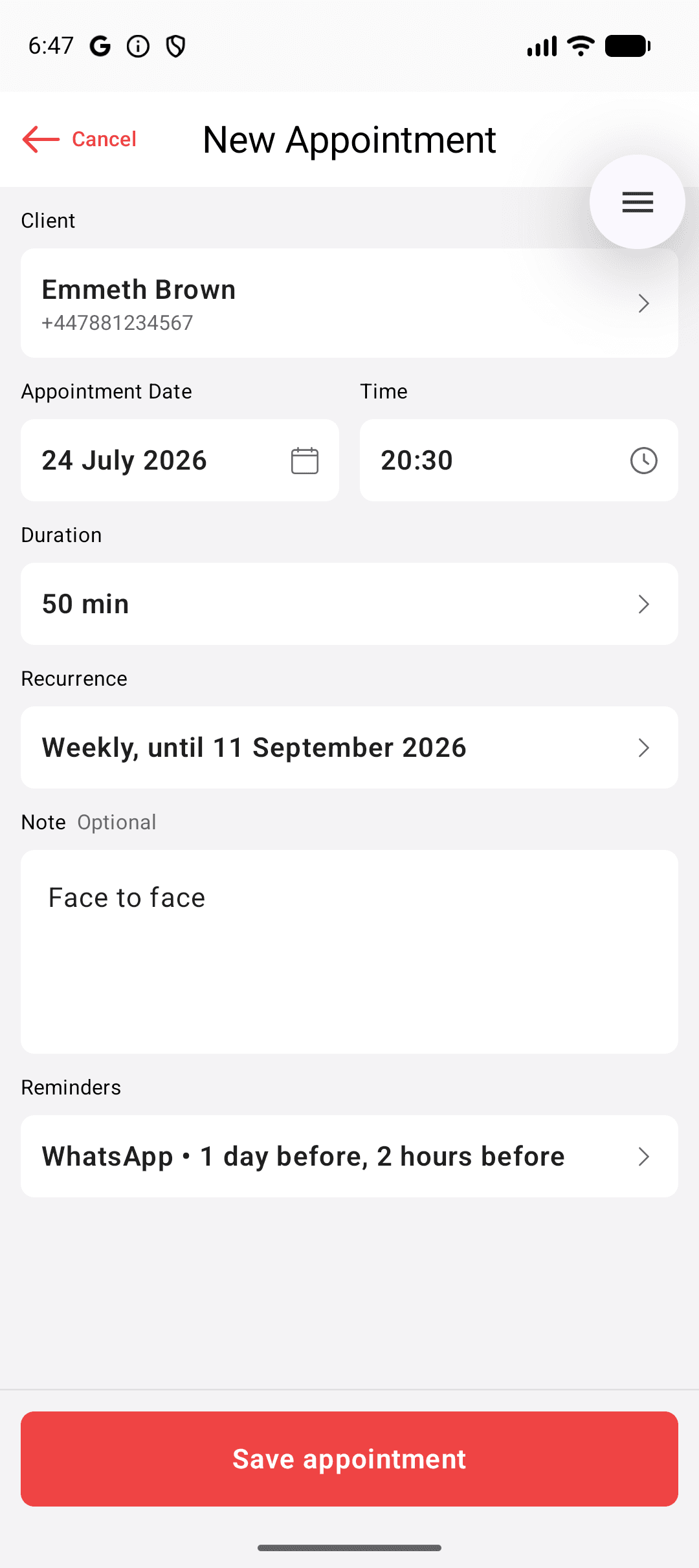
Choose the date, time, duration, recurrence and reminder time.
Your client receives a professional WhatsApp message automatically.
Everything important, nothing distracting
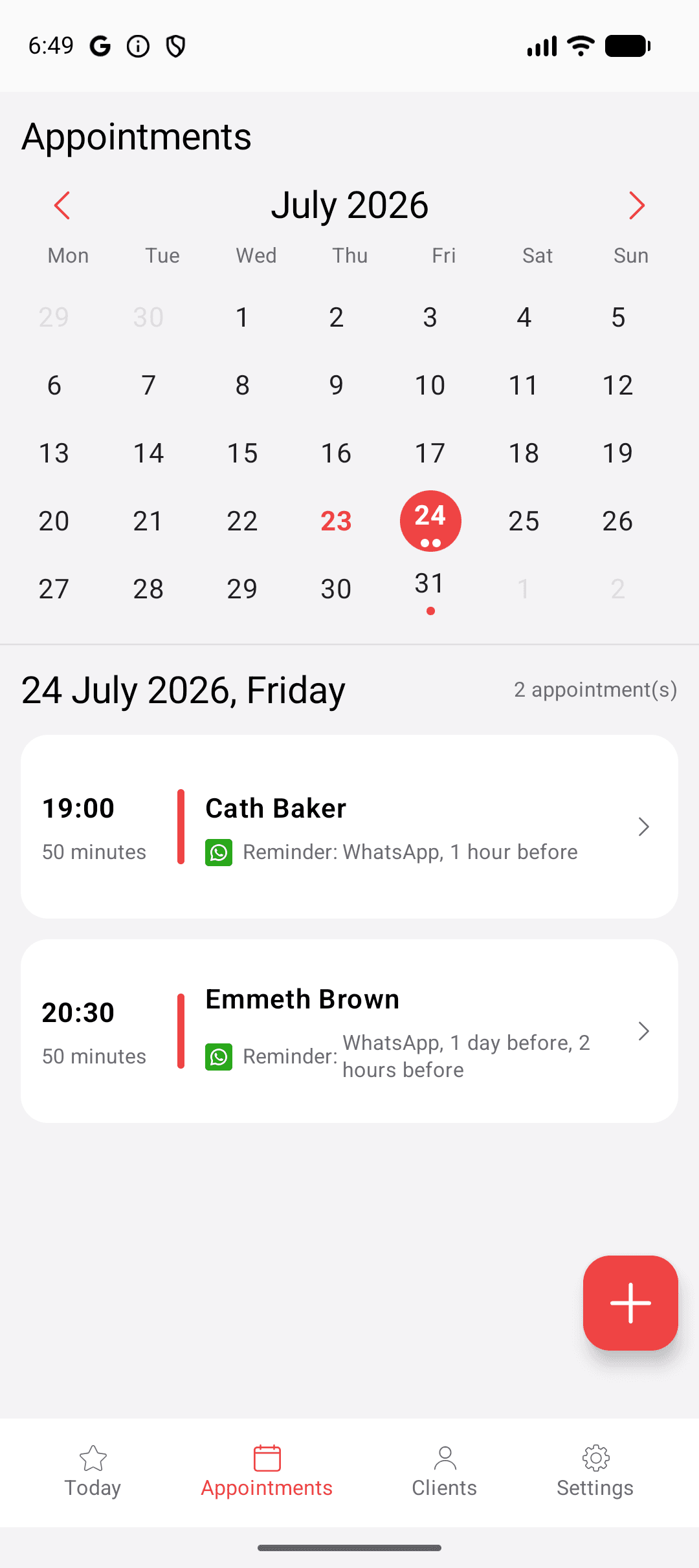
View the next 15 days and open appointment details with one tap.
Create weekly appointments and update one occurrence or the future series.
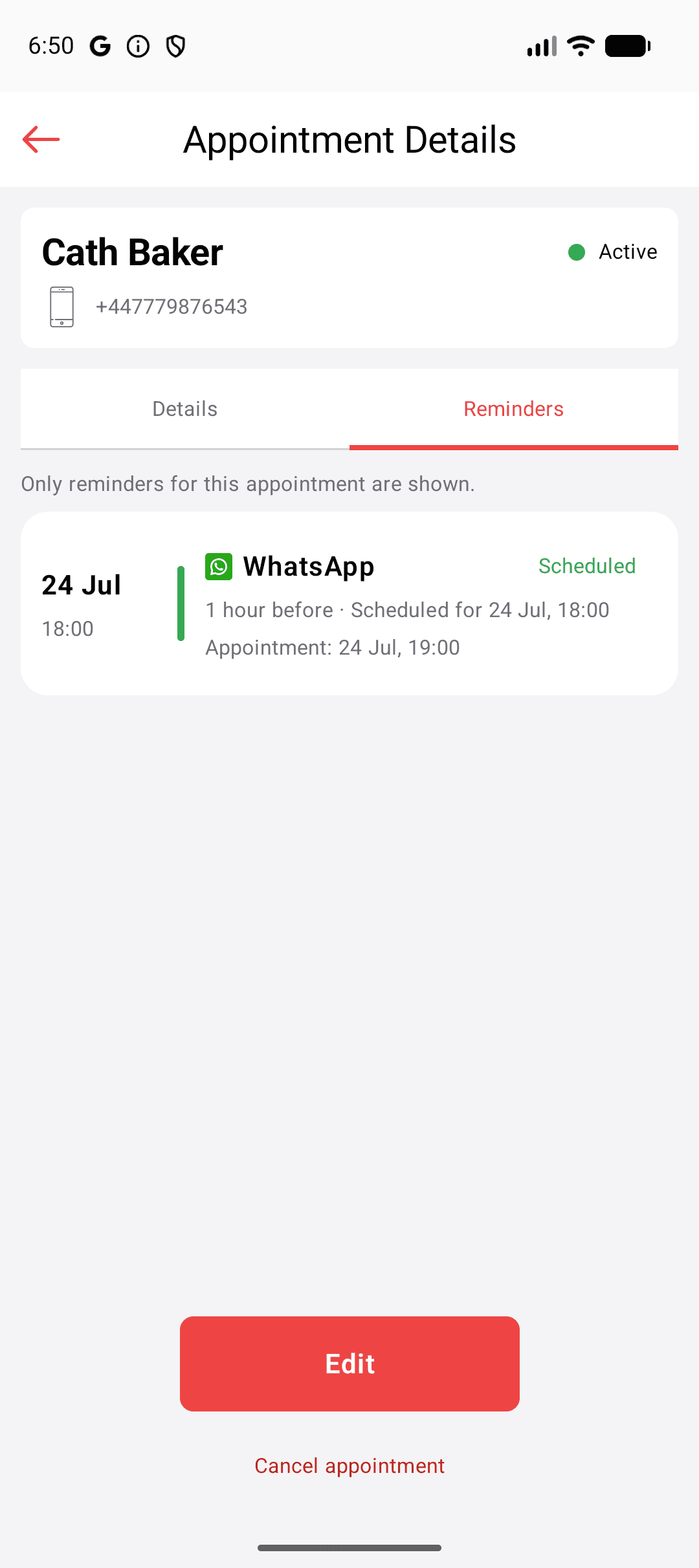
See whether a reminder is scheduled, delivered or could not be sent.
Choose client, patient, customer or guest terminology in the app.
A closer look
Swipe or scroll through more of the app. Select any screenshot to open it at full size.
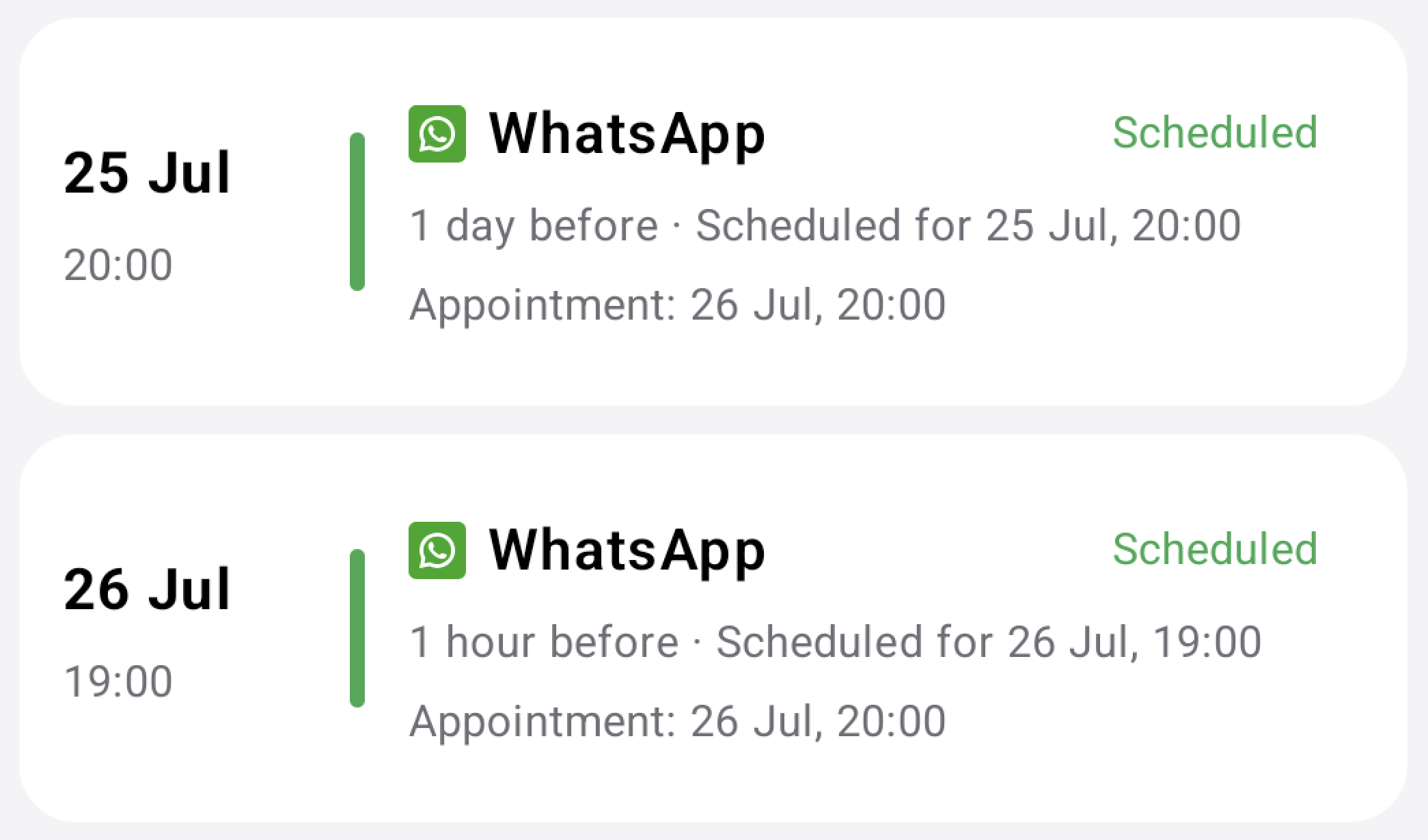
See scheduled, delivered and failed reminder activity.
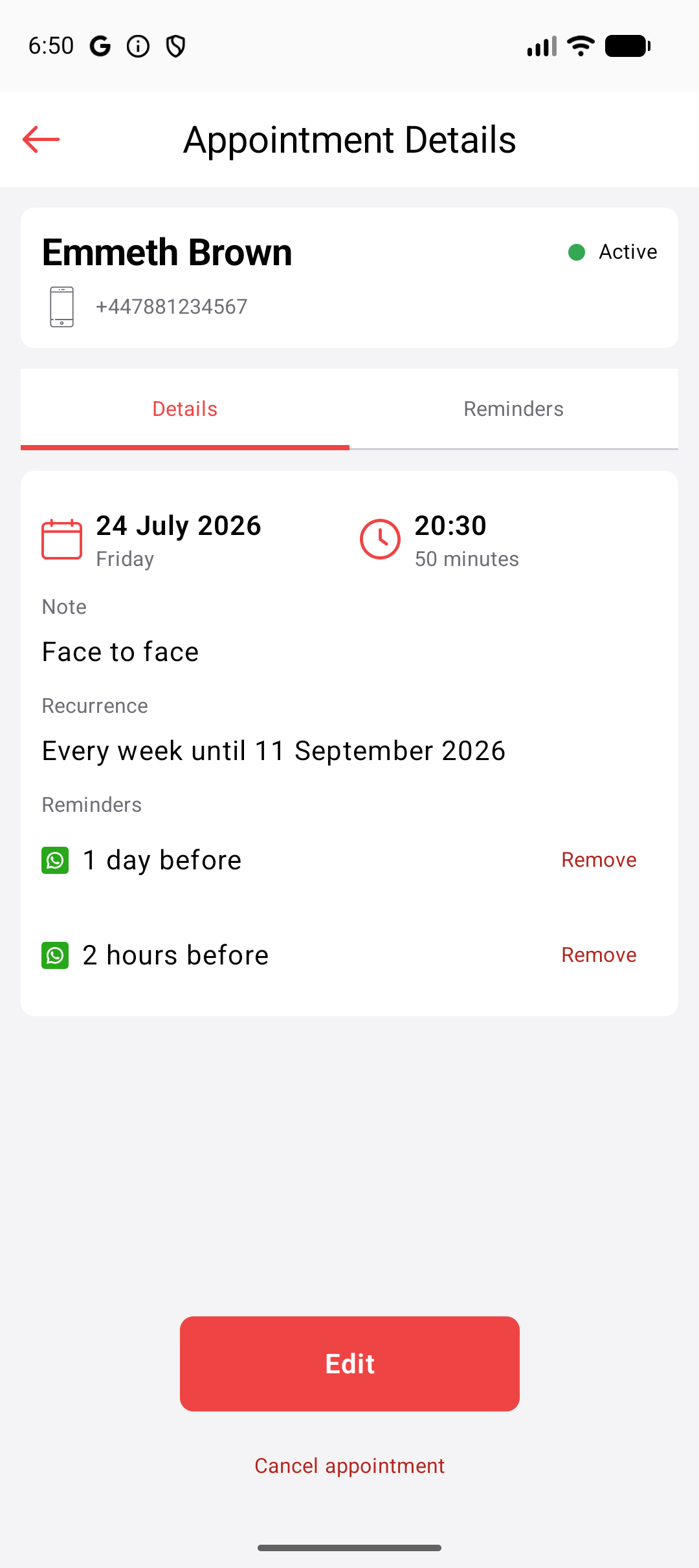
Review the appointment and reminder in one place.
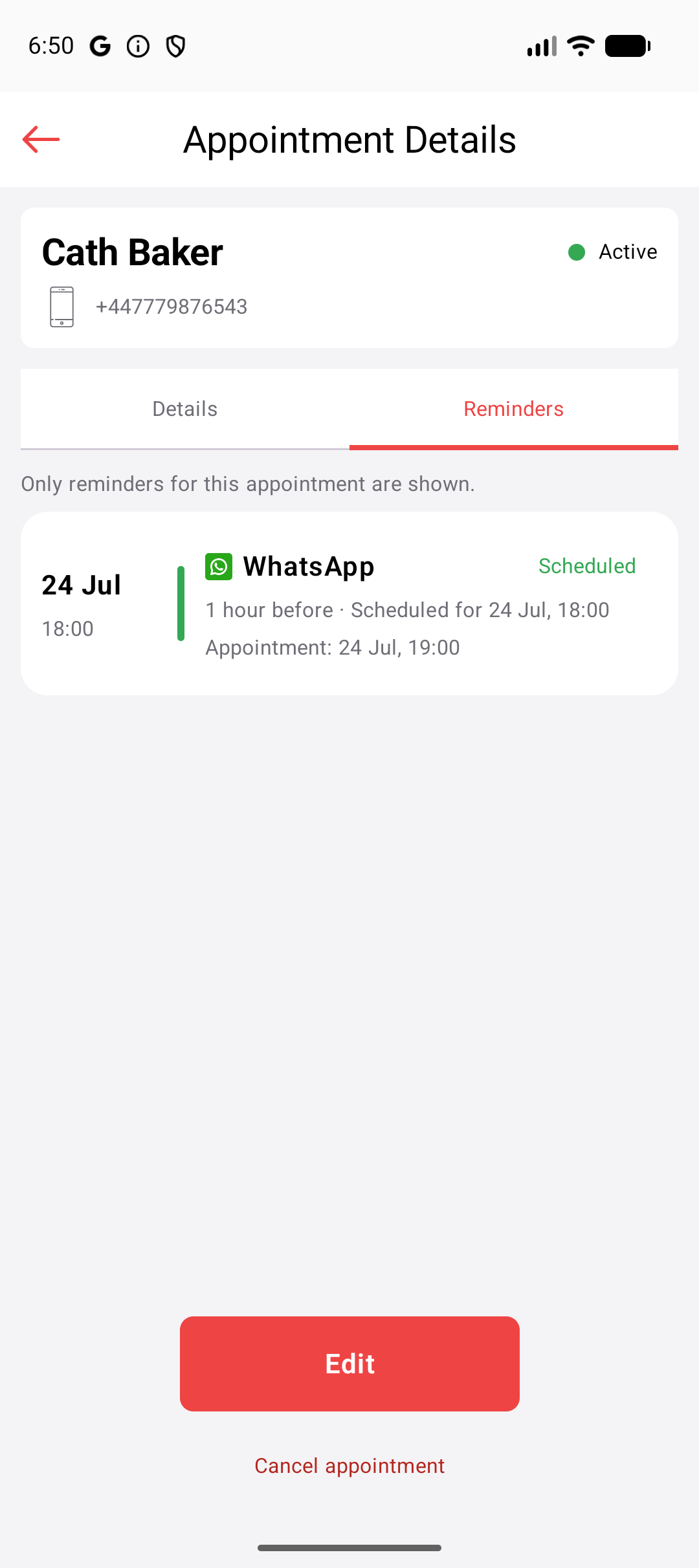
See what is planned and which appointments have reminders.
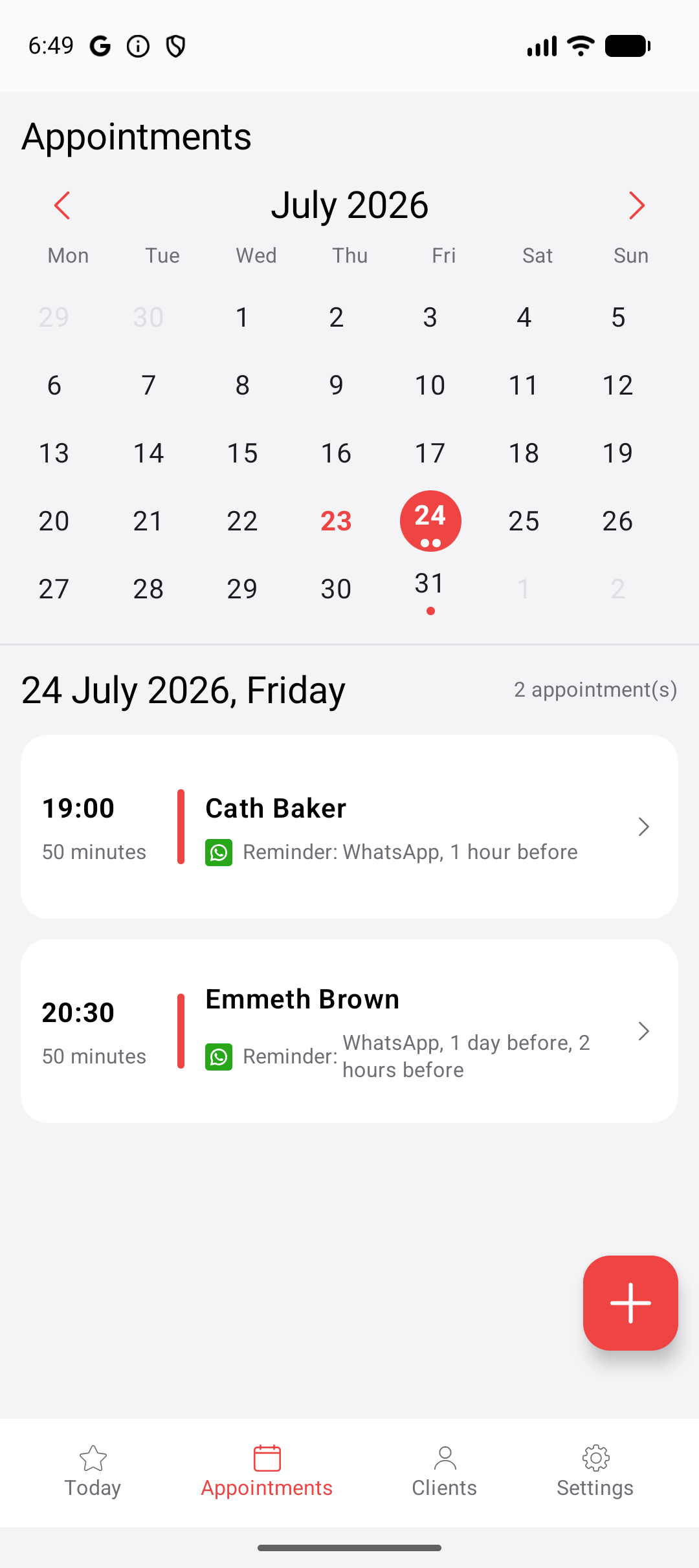
Move through your schedule month by month.
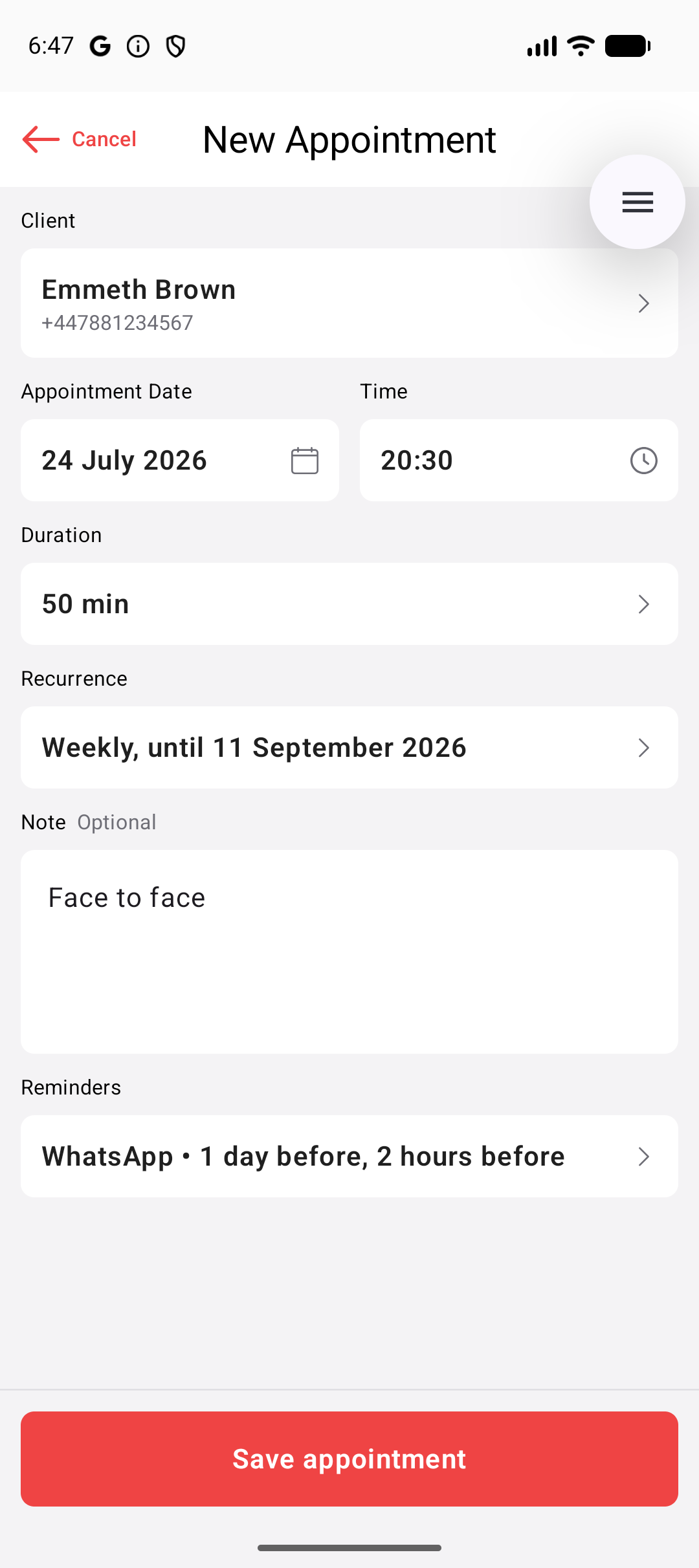
Choose the client, date, duration and reminder.
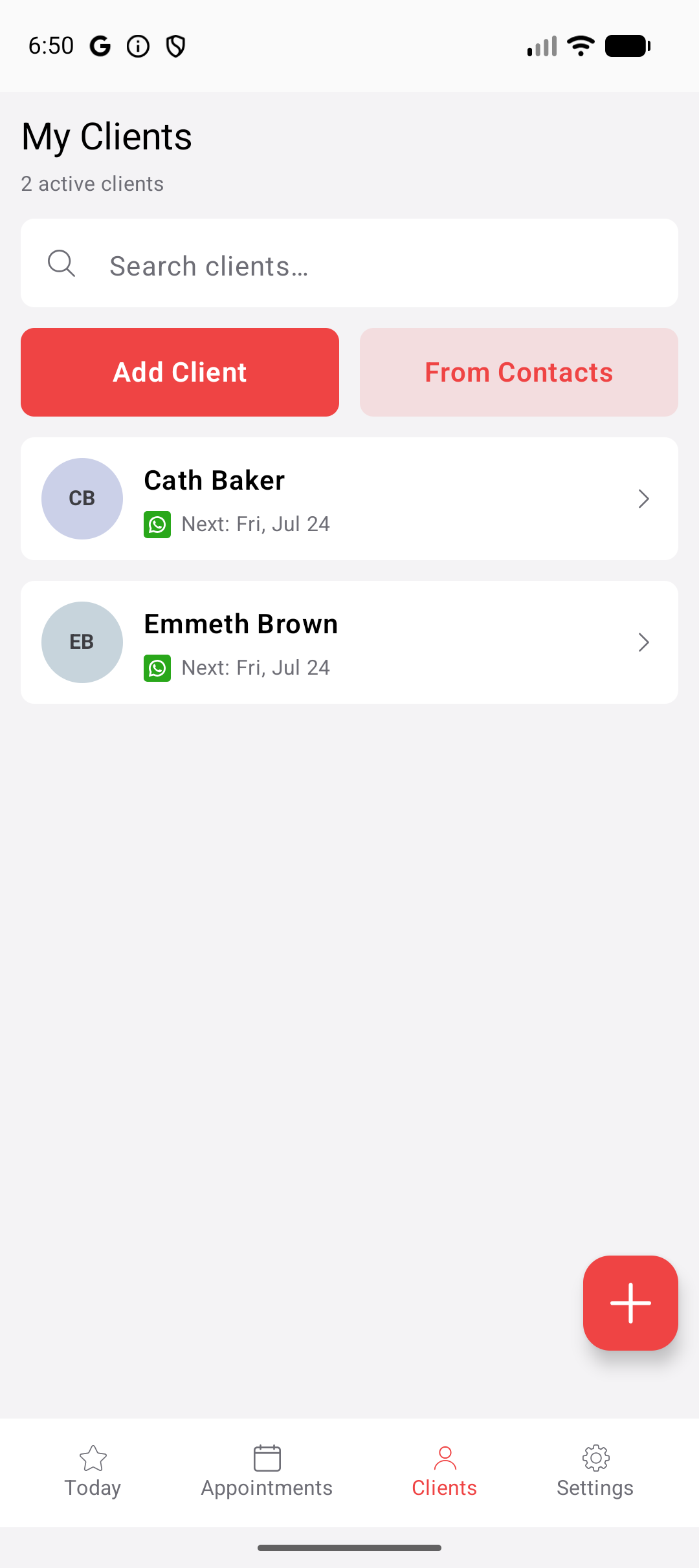
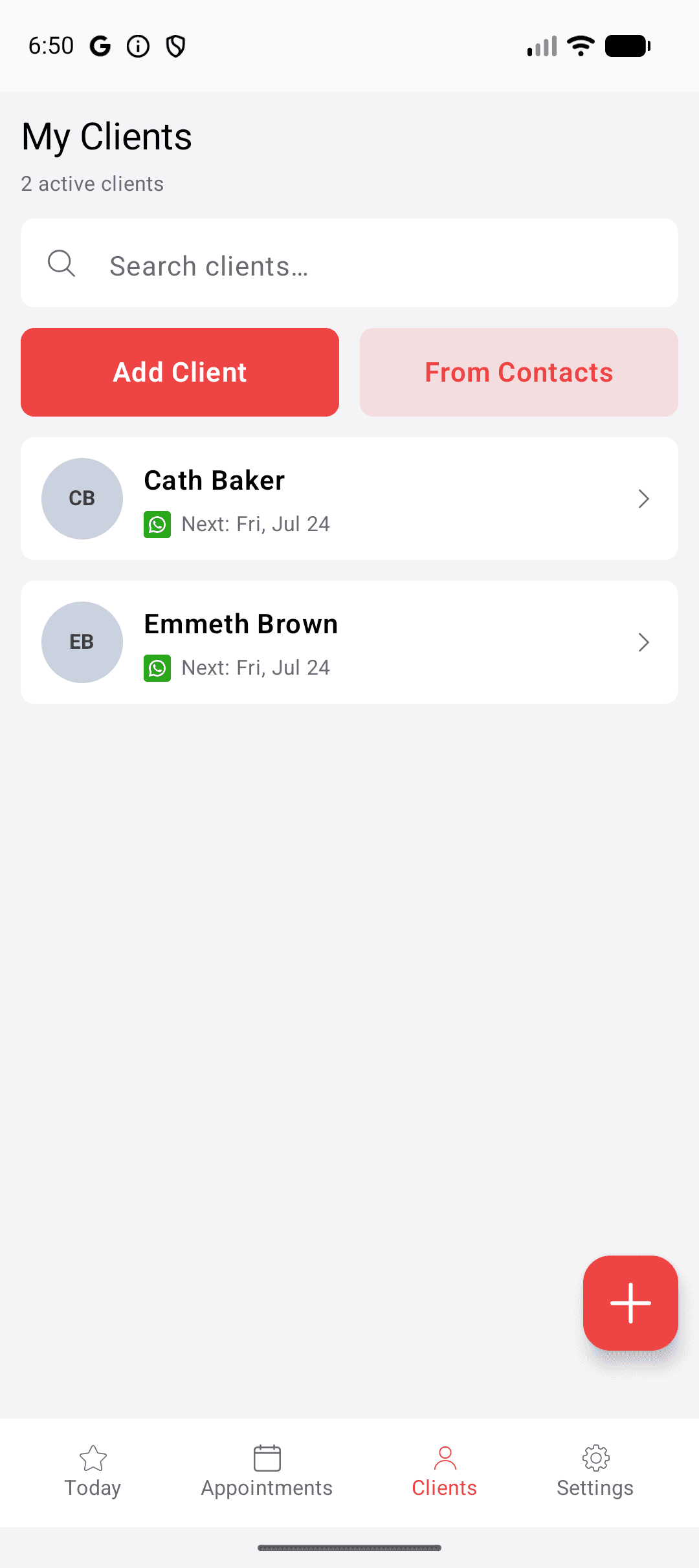
Keep clients and their next appointments organised.
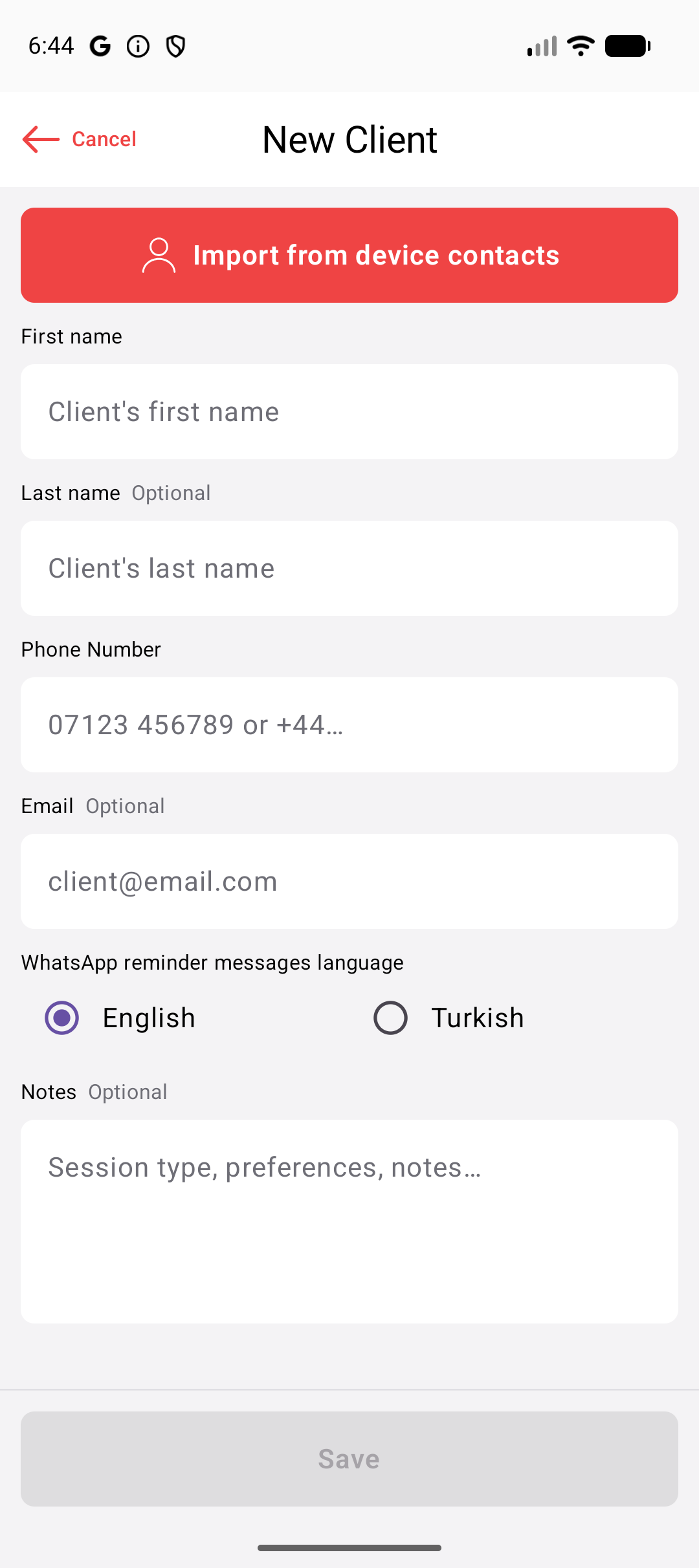
Enter details or import from contacts.
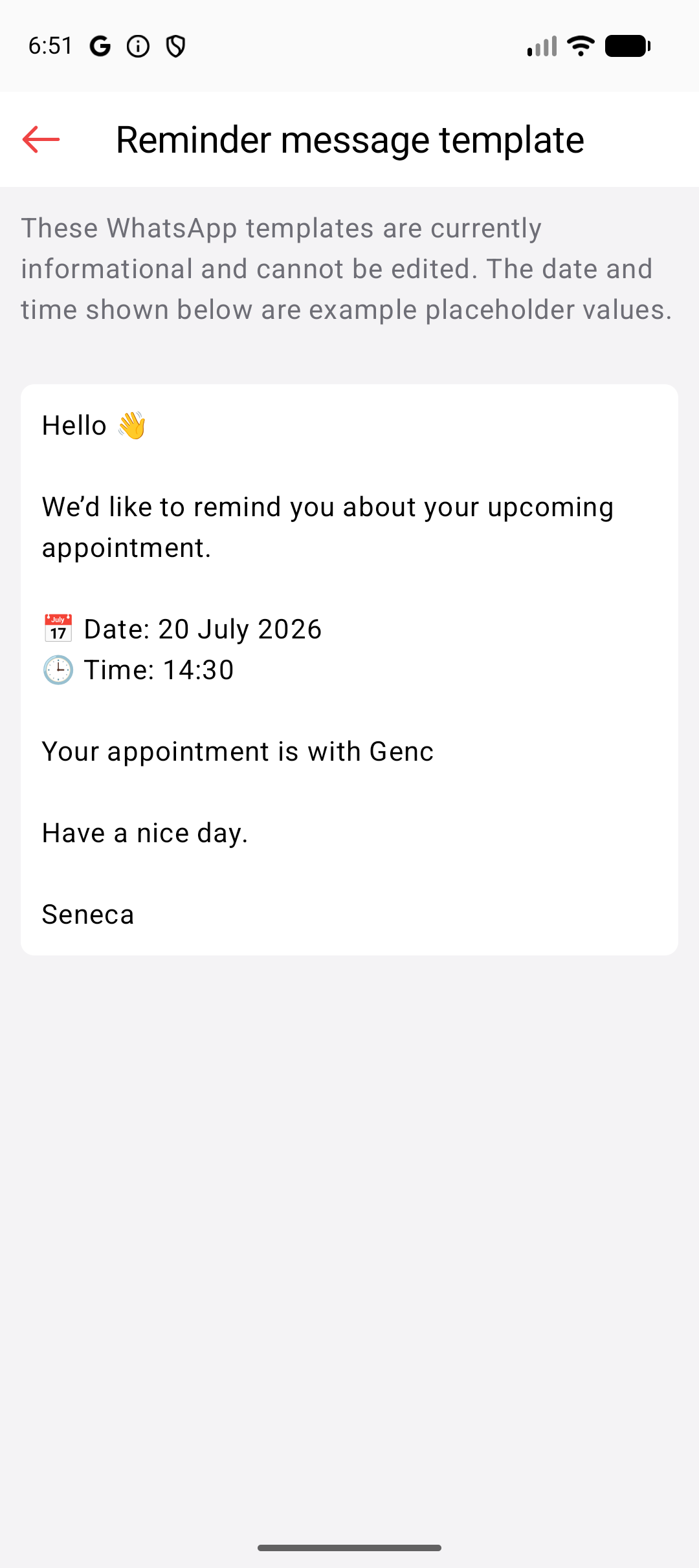
See the WhatsApp reminder clients receive.
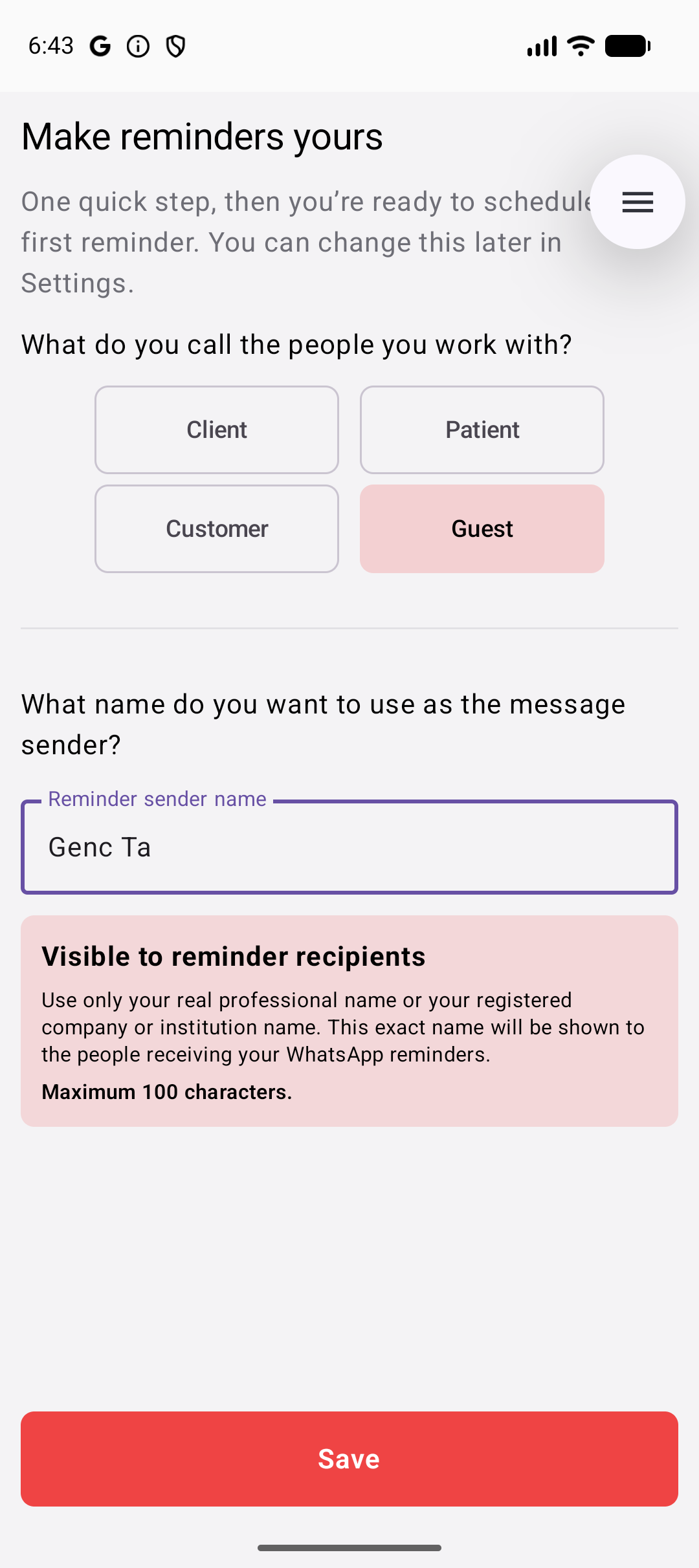
Choose terminology and the reminder sender name.
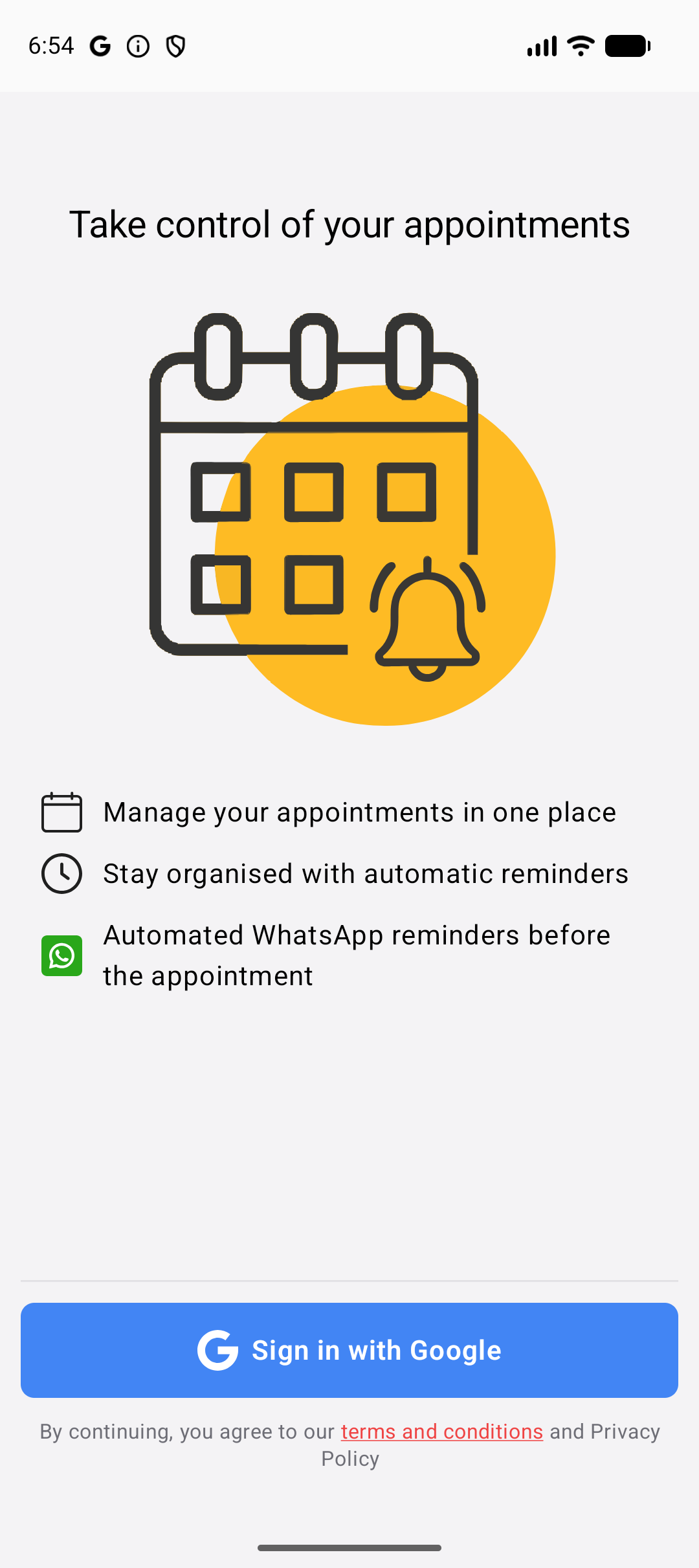
Sign in with Google and get started quickly.
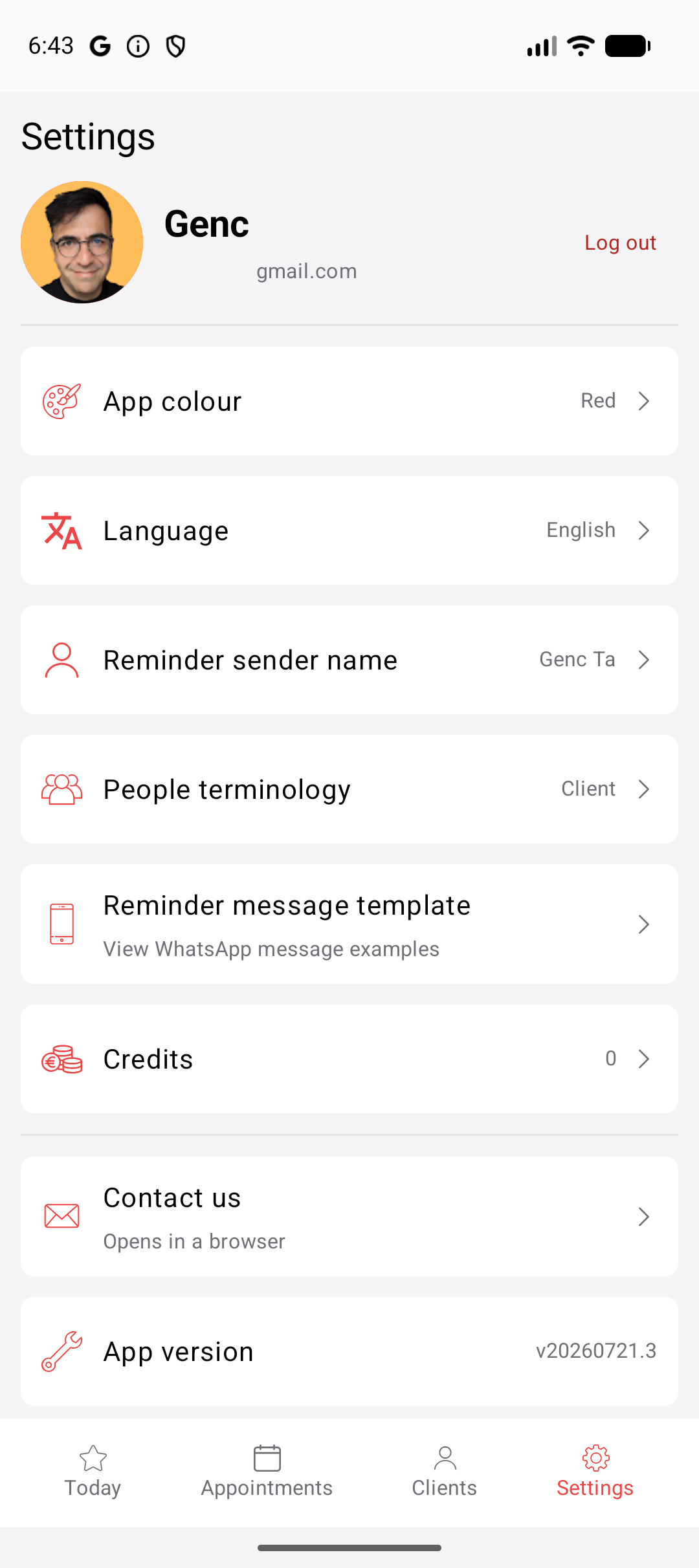
Manage language, appearance and reminder preferences.
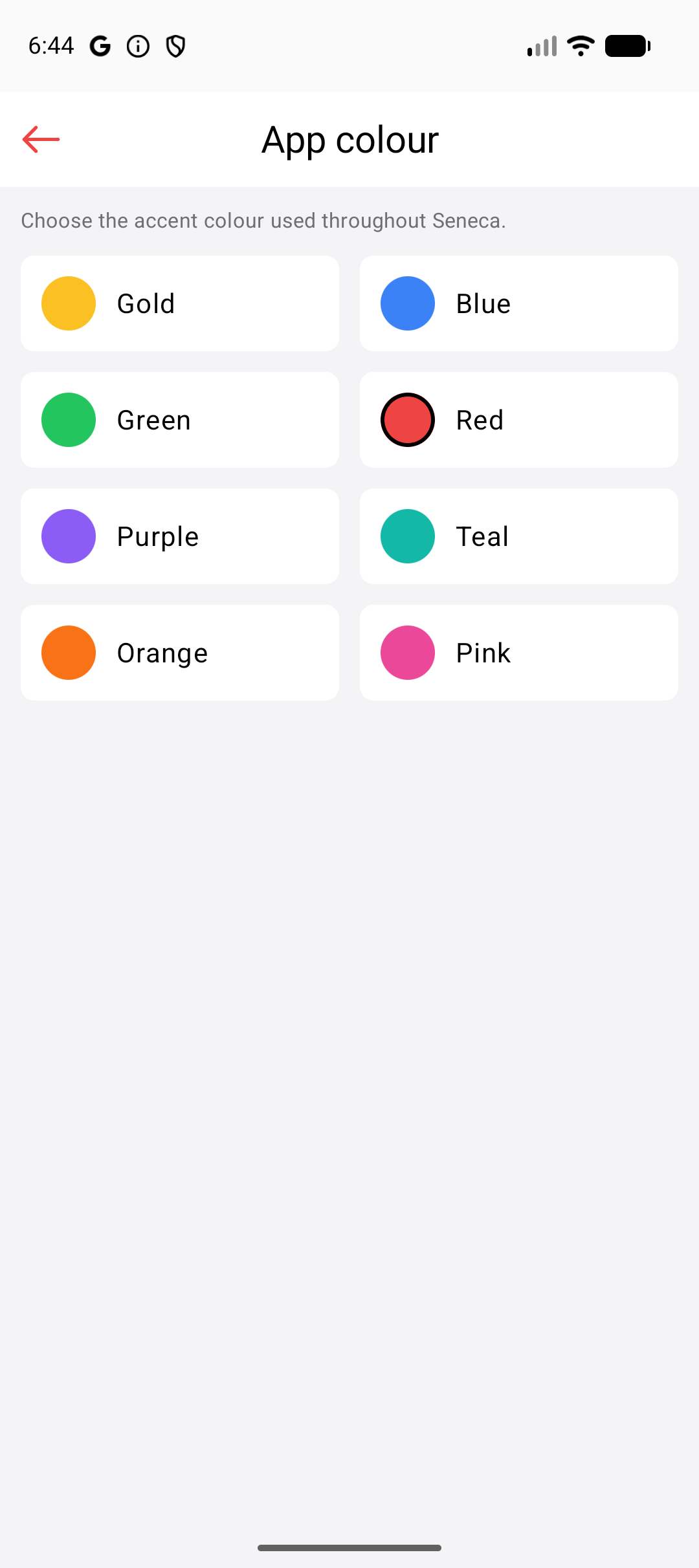
Choose the terminology and colour that fit your work.
Shaped by real practice
Seneca Notify was shaped with the practical experience of a therapist who has worked with more than 1,500 clients across 8,000 sessions. It focuses on the repetitive appointment tasks independent professionals face every day.
Responsible by design
Seneca Notify is designed to collect only the information needed to manage appointments and reminders.
Access is protected through Google authentication.
Seneca Notify does not sell client information or use it for advertising.
Professionals can only access clients belonging to their own account.
Clients can be archived, with permanent deletion available on request.
Available for Android
Download the app, add your first client and schedule a WhatsApp reminder in minutes.
Questions & monthly updates
Have a question about Seneca? Send us a message. You can also sign up for one email a month about upcoming training courses and events.
Questions
It is designed for therapists and independent professionals who schedule appointments and want to reduce manual reminder work.
No. Only the professional uses Seneca Notify. Clients receive reminders through WhatsApp.
Yes. The app and reminder messages support English and Turkish, and the reminder language can be selected for each client.
Yes. Weekly repeating appointments are supported, including changes to one occurrence or the following appointments.
The reminder status is shown in the app so you can see that it was not delivered. Delivery ultimately depends on WhatsApp and the recipient’s number and account availability.
One credit is used for each successfully delivered reminder.
An iOS version is planned. Contact us if you would like to hear when it becomes available.
Your time is better spent elsewhere
Manage your appointments and let Seneca Notify handle the routine reminder.
Get it on Google Play